Recordly
Record beautifully. Capture your screen, webcam, and audio in your browser with private, local processing and no uploads.
About
Recordly is designed for content creators, educators, developers, product teams, remote workers, and anyone who needs to record tutorials, software demonstrations, presentations, or walkthroughs. Users can capture an entire screen, individual windows, or browser tabs, combine webcam footage with microphone and system audio, monitor audio levels, configure resolution up to 4K and frame rates up to 60fps, and download recordings in WebM or MP4 format. Recordings can be paused, resumed, previewed, and downloaded without uploading video files to a server.
The platform emphasizes privacy, requiring no account or signup for its core recording workflow. Processing happens locally in the browser, with no recording uploads or tracking according to the website. Recordly also offers browser-based video meetings with screen sharing, a developer API for programmatic text summarization, and a Chrome extension option. The core screen recording service is free, with voluntary contributions supporting its development. The developer API has separate authentication and usage controls.
Tags
- Screen recording
- Video capture
- Privacy
- Webcam recording
- Browser-based tools
Compared with
Community feedback (0)
Tried it? Share your experience, ask a question, or leave a rating.
0 ratings
Start the conversation
Your experience could help the next person discover this product.
More in Productivity

Dbrij
Everything your company runs on, in one platform: chat, meetings, email, HR, payroll, support, marketing, analytics and hosting.
 Preview for Dbrij (dbrij.com)
Collabix
Everything that needs you, in one calm stream.
Trimly
Nigeria's Digital Grooming Platform for Finding and Booking Barbers
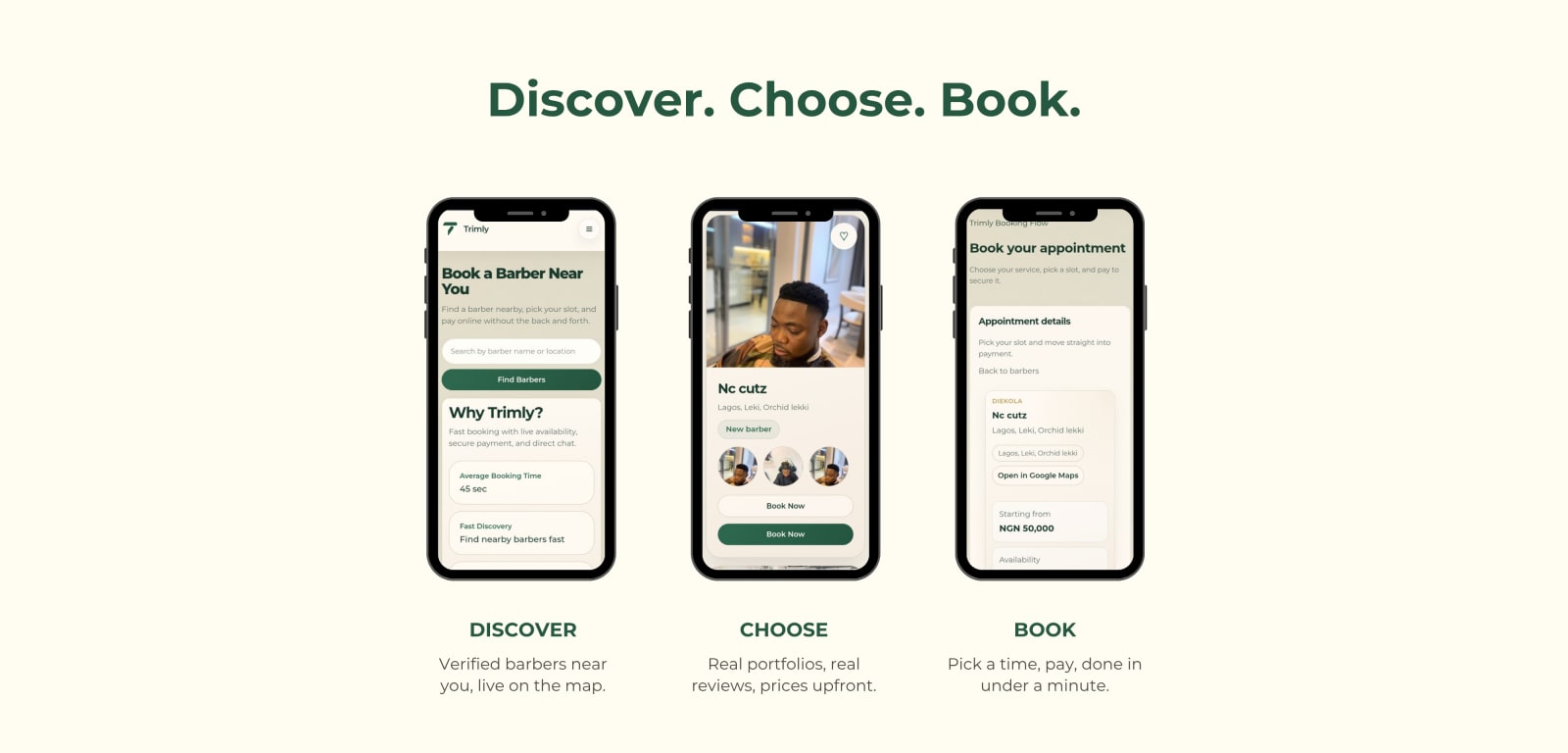 Preview for Trimly (trimly.com.ng)
Tachy
Freelance milestones, trust scores, and payouts.