PDFlow
Free, privacy-focused PDF tools, image editing, and AI productivity features that make document workflows simpler.
About
PDFlow serves students, professionals, creators, small businesses, and anyone who needs to manage documents and images online. Its PDF tools include merging, splitting, compression, conversion, password protection, signing, annotation, OCR, page management, text extraction, and document comparison. The image editor supports cropping, resizing, filters, drawing, text overlays, rotation, and flipping. These tools help users prepare documents, manage files, and edit images without installing desktop software.
PDFlow also offers AI-powered PDF summarization, image enhancement, and file organization. Core PDF and image operations run locally in the browser, while AI features use temporary server-side processing to generate results. The platform states that files submitted for AI processing are not permanently stored or used to train AI models. Most core tools are free, while selected advanced features are marked Pro. Account creation is optional for most basic workflows.
Tags
- PDF tools
- Image editing
- Document management
- AI productivity
- File privacy
Compared with
Community feedback (0)
Tried it? Share your experience, ask a question, or leave a rating.
0 ratings
Start the conversation
Your experience could help the next person discover this product.
More in Productivity

Dbrij
Everything your company runs on, in one platform: chat, meetings, email, HR, payroll, support, marketing, analytics and hosting.
 Preview for Dbrij (dbrij.com)
Collabix
Everything that needs you, in one calm stream.
Trimly
Nigeria's Digital Grooming Platform for Finding and Booking Barbers
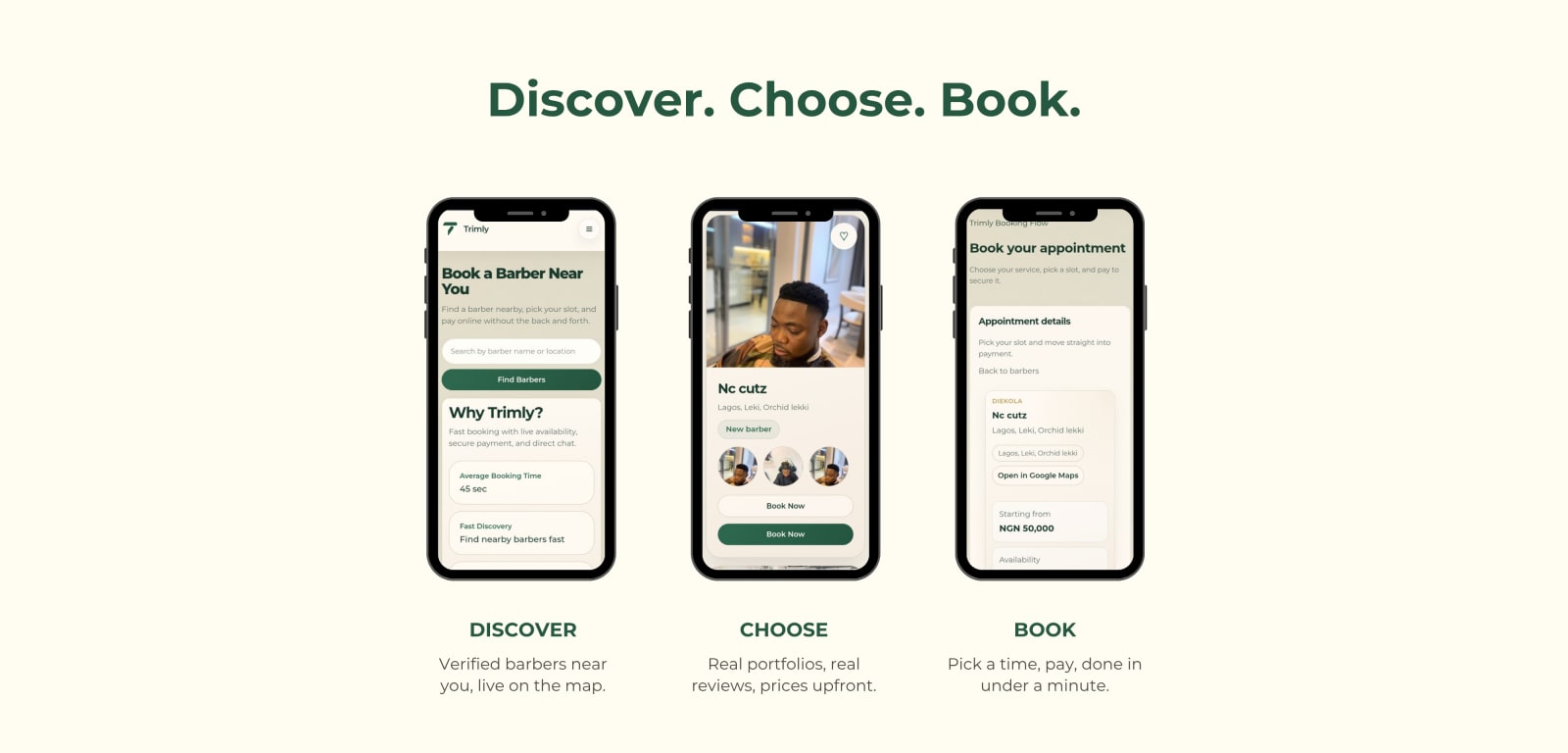 Preview for Trimly (trimly.com.ng)
Tachy
Freelance milestones, trust scores, and payouts.